How to Use Temporary Email for Verification Codes (OTP Guide)
⚡ Instant OTP 🛡️ Privacy Protected 🚫 No Phone Required 🔒 Self-Destructing 🔑 One-Time Code
You just want to try one app. Or claim one download. Or connect to one Wi-Fi network. But before any of that happens, a form demands your email address, and thirty seconds later you're staring at your inbox waiting for a six-digit code that's apparently "on its way." That one signup now owns a permanent line to your real inbox — forever, or at least until you remember to unsubscribe.
There's a faster, cleaner way to handle this. A temporary email for verification gives you a working inbox that can receive OTPs and activation links in real time, without ever touching your personal or work email. In this guide, we'll cover exactly why so many platforms insist on email verification, how disposable inboxes intercept those codes instantly, and — just as importantly — when you should (and shouldn't) reach for one.
💡 Smart Tip: Keep a temp mail tab bookmarked for anything you'll only ever log into once. Reserve your real inbox for accounts you plan to actually use long-term.
Why Services Demand Email Verification (and the Privacy Risks Involved)
Email verification exists for a legitimate reason: it confirms you're a real person with a working address, cuts down on fake accounts, and gives the platform a channel to reach you later — password resets, security alerts, and, inevitably, marketing. That last part is where the trouble starts.
Every verified email address becomes a permanent record sitting in that company's database. If the service gets breached — and data breaches happen constantly, even to major brands — your address is exposed alongside whatever else was on file. Even without a breach, plenty of platforms quietly add verified addresses to marketing lists the moment the OTP is confirmed. You didn't sign up for a newsletter; you just wanted to download a template, and now you're on one anyway.
🚫 No Phone Required: Just like you wouldn't hand your personal phone number to every random app requesting SMS verification, there's no reason to hand over your primary email for a one-time code either.
How Temporary Email Works for Receiving OTPs & Verification Links in Real-Time
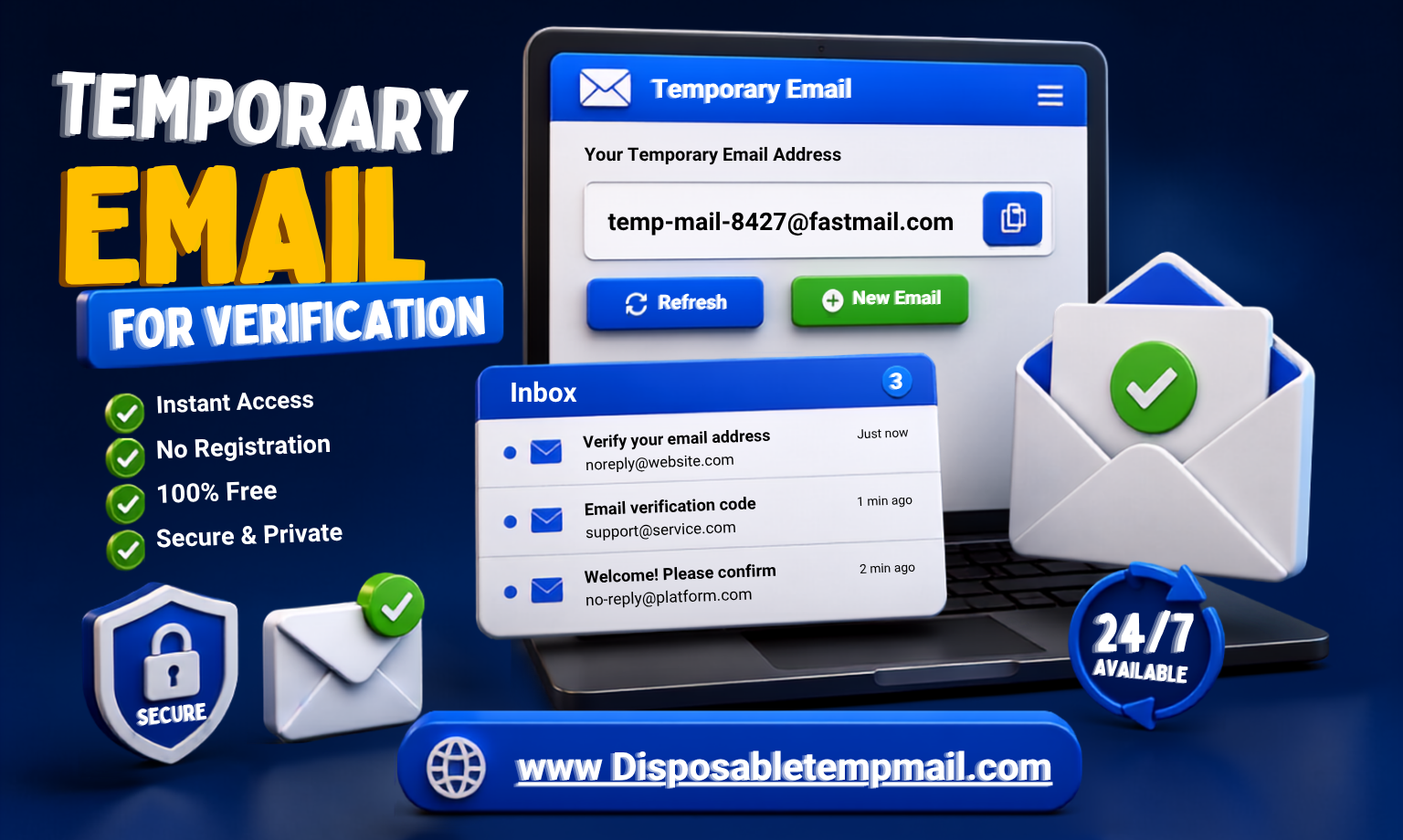
A disposable inbox OTP works exactly the way you'd expect a real inbox to work — because technically, it is one. The moment a website's server sends a verification email, it travels through the same delivery infrastructure as any other email, and lands in your temp mail inbox within seconds, not minutes.
🔑
Example: What a Received OTP Looks Like
4
8
2
9
1
6
No polling, no manual refresh cycles required — messages appear live inside the browser-based inbox. You copy the code, paste it into the verification field on the original site, and you're done. Once you no longer need that inbox, it disappears on its own: messages are wiped within 4 to 48 hours, and the mailbox ID itself stays reachable for 3 to 6 months before being recycled, in case you need to log back in.
Step-by-Step Guide: Getting Your Verification Code in 10 Seconds
1
Generate Your Inbox
Open the temp mail homepage and a working address is created instantly — or pick your own username with a custom temporary email.
2
Submit It for Verification
Paste the address into the signup or activation form that's asking for it, then hit "Send Code" or "Verify" on that platform.
3
Copy the OTP & Confirm
The code lands in your temp inbox in real time. Copy it, paste it back into the verification field, and your account activation is complete.
Comparison: Temporary Mail vs. Secondary Email vs. Primary Email
⚡ Temporary Mail
- Zero setup, live instantly
- No personal data required
- Auto-deletes on its own
- Best for: one-time OTPs, trials
📧 Secondary Email
- Requires its own signup once
- Still tied to your identity
- Accumulates spam over time
- Best for: recurring low-priority accounts
🏠 Primary Email
- Fully verified, long-term identity
- Linked to banking, work, recovery
- Highest value if breached
- Best for: accounts you'll never abandon
When SHOULD You Use Temp Mail for Verification? (And When You Shouldn't)
✅ Good Use Cases
- Public Wi-Fi portals asking for an email to connect
- One-time free tools, calculators, or gated resources
- Free trials you're testing but not committing to
- Forum sign-ups or one-off community access
- Downloading an ebook, template, or whitepaper
❌ Avoid For These
- Banking, investment, or payment platforms
- Healthcare portals or insurance accounts
- Your primary social media or work accounts
- Any service you'll need password recovery on later
- Government or identity-linked registrations
🛡️ Privacy Protected: The rule of thumb is simple — if you'd be upset losing access to the account forever, it doesn't belong on a temp inbox. Everything else is fair game.
Frequently Asked Questions
How do I receive a verification code using temp mail OTP?
Generate a temporary inbox, enter that address wherever the site requests an email, and trigger the verification email from that platform. The OTP appears in your temp mail inbox in real time — no refreshing or waiting required.
Is it safe to use a disposable inbox OTP for account activation?
Yes, for accounts you don't plan to rely on long-term. Since no personal information is needed to create the inbox, and messages auto-delete on a strict schedule, there's minimal risk involved for one-time or low-stakes signups.
Can I use fake mail for account activation on any website?
Most platforms will accept it since it's a fully functioning email address. That said, always review a site's terms of service — accounts tied to banking, identity verification, or long-term use should stick to your real, permanent email.
Why would someone want to bypass email verification with a temp inbox?
It's not about avoiding verification — it's about choosing which inbox receives it. You still complete the same OTP or confirmation step; you're simply keeping your personal address out of a database you'll likely never revisit.
Do OTP codes arrive instantly in a temp mail inbox?
Yes. Temp mail inboxes receive messages the same way any standard email server does, so verification codes typically arrive within seconds of being sent, appearing live in your browser without needing to refresh.
What happens if my verification email doesn't arrive?
Double-check the address was typed correctly and try resending the code from the original site. If your temp mailbox has already expired, simply generate a new custom temporary email and request the verification again.