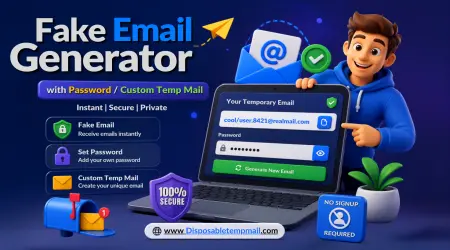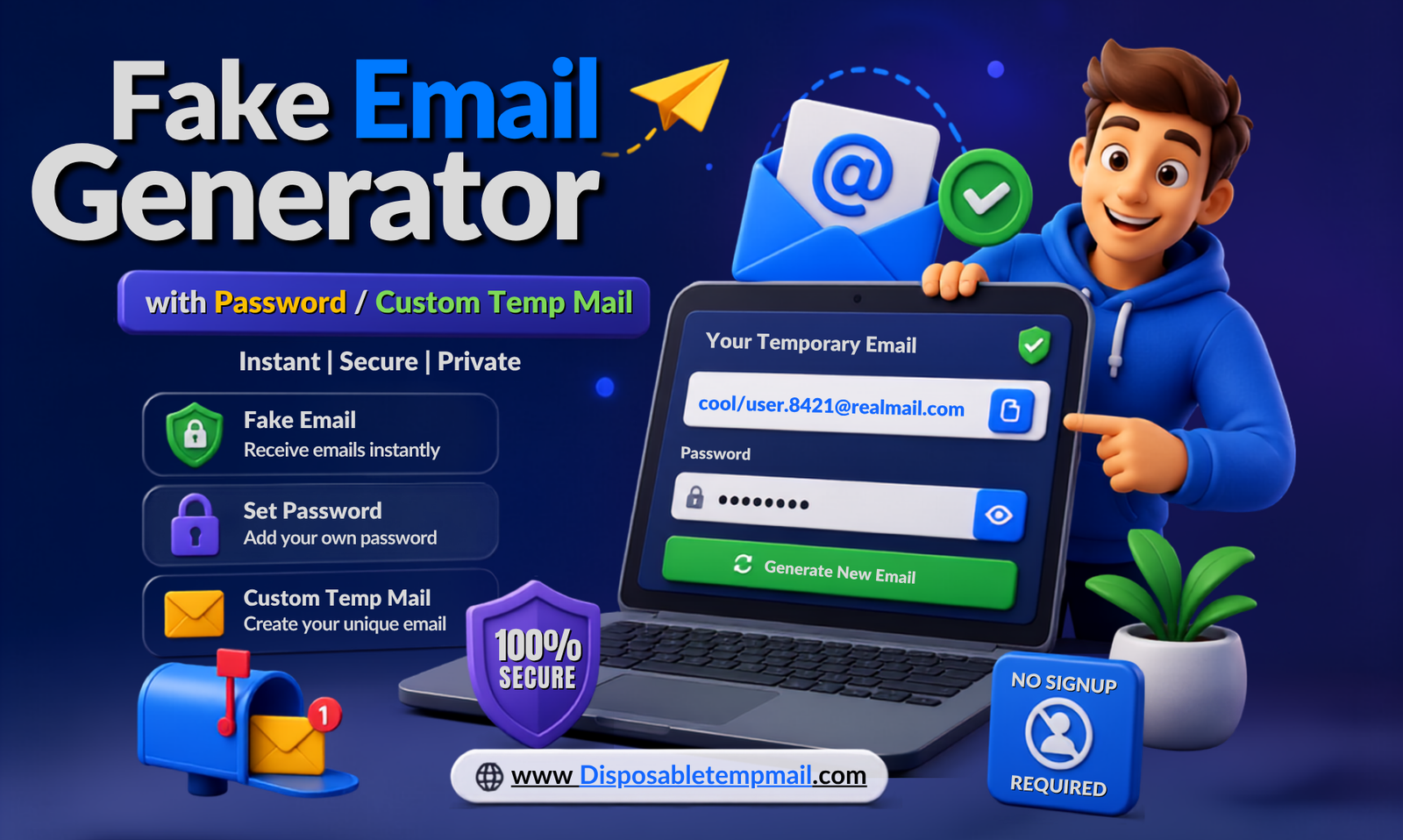
Fake Email Generator with Password: The Complete Custom Temp Mail Guide
📬 Custom Address 🔑 Password Locked 🛡️ Anonymous Temp Mail ⏱️ Auto-Delete
A random disposable temp mail address solves most privacy problems in seconds. But what happens when you want more control — a memorable custom username, or an inbox that only you can open, even if someone else guesses the address? That's where a fake email generator with password comes in, giving your custom temp mail an extra lock that a plain random inbox simply doesn't have.
This guide walks developers, shoppers, testers, gamers, and privacy-conscious users alike through exactly what password-protected custom temp mail is, why it matters, and how to set one up on Disposable Temp Mail in under a minute.
🎯 Key Takeaway: A custom temp mail gives you a chosen username. A password-protected version adds a second layer, making sure that only you — not anyone who guesses your address — can open the inbox.
What Is a Fake Email Generator with Password?
A fake email generator with password is a tool that creates a temporary, disposable email address you fully control — including the username and an access password — instead of a random string assigned to you. It functions exactly like a standard temp mail inbox for receiving messages, with one key upgrade: nobody can open your inbox without the password, even if they type in your exact address.
This matters more than it sounds. Standard random temp mail addresses are, well, random — nobody's likely to stumble onto yours by guessing. But a custom temp mail with a memorable, chosen username (like shopping.jane@ or gamer.tag99@) is far easier to guess or reuse across sites. Locking it with a password closes that gap entirely, giving you the convenience of a custom address without sacrificing privacy.
Why Do You Need a Custom Temp Mail with Password?
You need a custom temp mail with password whenever you want a memorable, reusable disposable address that stays private even under repeated use. A one-off random inbox is perfect for a single sign-up, but if you're reusing the same custom address across multiple platforms — for testing, shopping, or gaming — password protection is what keeps that convenience from becoming a liability.
- 🔐 Prevents unauthorized access if someone guesses or reuses your chosen username elsewhere.
- 🔁 Supports repeated use — unlike single-use random addresses, a custom inbox is built to be reused safely across sign-ups.
- 🧪 Ideal for developers and testers who need a consistent, memorable address across multiple test cycles without anyone else peeking at results.
- 🎮 Perfect for gamers registering across gaming platforms who want a recognizable but secure inbox for key drops, betas, and giveaways.
⚠️ Security Warning: Never reuse a real-life password for your temp mail account. Even though the inbox itself is disposable, always set a unique password — treat it like any other account credential.
Free vs. Premium: What You Get With Each Plan
Whether you need one password-protected inbox or a whole fleet of them, there's a plan that fits. Here's the full breakdown:
| Feature | Free Plan | Premium Plan |
|---|---|---|
| Email Type | Unlimited random & custom addresses | Multiple emails generated simultaneously |
| Password Protection | Available on custom addresses | ✔ Managed across all inboxes centrally |
| Inbox Management | Single inbox view | ✔ All inboxes from one dashboard |
| Cleanup Control | Auto-delete only (4–48 hrs) | ✔ User-controlled cleanup schedules |
| Mail ID Lifetime | 3–6 months per address | Extended, dashboard-managed lifetime |
| Custom Domains | Not available | ✔ Fully supported |
| API Access | Not available | ✔ Full developer API access |
Casual users get everything they need on the free plan. Developers and teams managing several password-protected inboxes at once will get the most value from Disposable Temp Mail's premium tier.
Step-by-Step: How to Create a Custom Temp Mail with Password
1
Choose "Custom Email"
On the homepage, switch from the auto-generated random inbox to the custom option and pick your own username.
2
Set Your Password
Enter a unique password to lock the inbox. This ensures only someone with that password can open and read incoming mail.
3
Use It Anywhere
Copy your new address into any sign-up form, app, or platform that requires an email — random or repeated use, your call.
4
Log Back In Anytime
Return later and re-enter your username and password to check messages. Everything still auto-deletes on schedule, password or not.
💡 Pro Tip: Save your custom username and password in a password manager — not your browser's autofill — so you can reliably log back in across devices.
Who Actually Uses Password-Protected Temp Mail?
🧑💻 Developers & QA Testers
Reuse a consistent, secured address across test cycles without random addresses breaking automated scripts.
Reuse a consistent, secured address across test cycles without random addresses breaking automated scripts.
🛍️ Online Shoppers
Sign up for every "10% off first order" deal without a permanent flood of retail spam afterward.
Sign up for every "10% off first order" deal without a permanent flood of retail spam afterward.
🎮 Gamers
Register across game betas, key giveaways, and forums with one memorable but locked inbox.
Register across game betas, key giveaways, and forums with one memorable but locked inbox.
🔒 Privacy-Conscious Users
Keep a reusable anonymous temp mail for everyday browsing without ever tying it to a real identity.
Keep a reusable anonymous temp mail for everyday browsing without ever tying it to a real identity.
Security & Privacy: How Auto-Delete and Password Protection Work Together
Password protection secures who can access your inbox. Auto-deletion limits how long anything sits inside it in the first place — together, they cover both sides of the privacy equation.
- ⏱️ Messages auto-delete between 4 and 48 hours after arrival, regardless of whether the inbox is password-protected.
- 📅 Mail IDs stay active for 3 to 6 months, so a custom, password-locked address remains usable across an extended project or shopping season.
- 🚫 No personal data is required to set up a custom inbox — your password protects access, not your identity, which stays fully anonymous.
⚠️ Security Warning: A password-protected custom temp mail is still a temporary email service — never use it for banking, healthcare, or any account you'll need to permanently recover later.
Frequently Asked Questions
What's the difference between random temp mail and a fake email generator with password?
Random temp mail assigns you an unpredictable address with no login needed. A fake email generator with password lets you choose your own username and lock it behind a password, so you can reuse it safely and access it again later.
Can anyone else access my password-protected custom temp mail?
No. Even if someone knows or guesses your custom email address, they can't open the inbox or read messages without the password you set.
Do custom temp mail messages still auto-delete?
Yes. Password protection controls access, not retention — messages still auto-delete between 4 and 48 hours after arrival, exactly like a random temp mail address.
Is a custom temp mail with password free to use?
Yes, custom addresses with password protection are available on the free plan. Premium unlocks managing multiple password-protected inboxes from one dashboard, plus custom domains and API access.
Can I use the same custom temp mail across multiple websites?
Yes — that's exactly what it's designed for. Unlike single-use random addresses, a custom temp mail with password is built for safe, repeated use across sign-ups, tests, or shopping accounts.