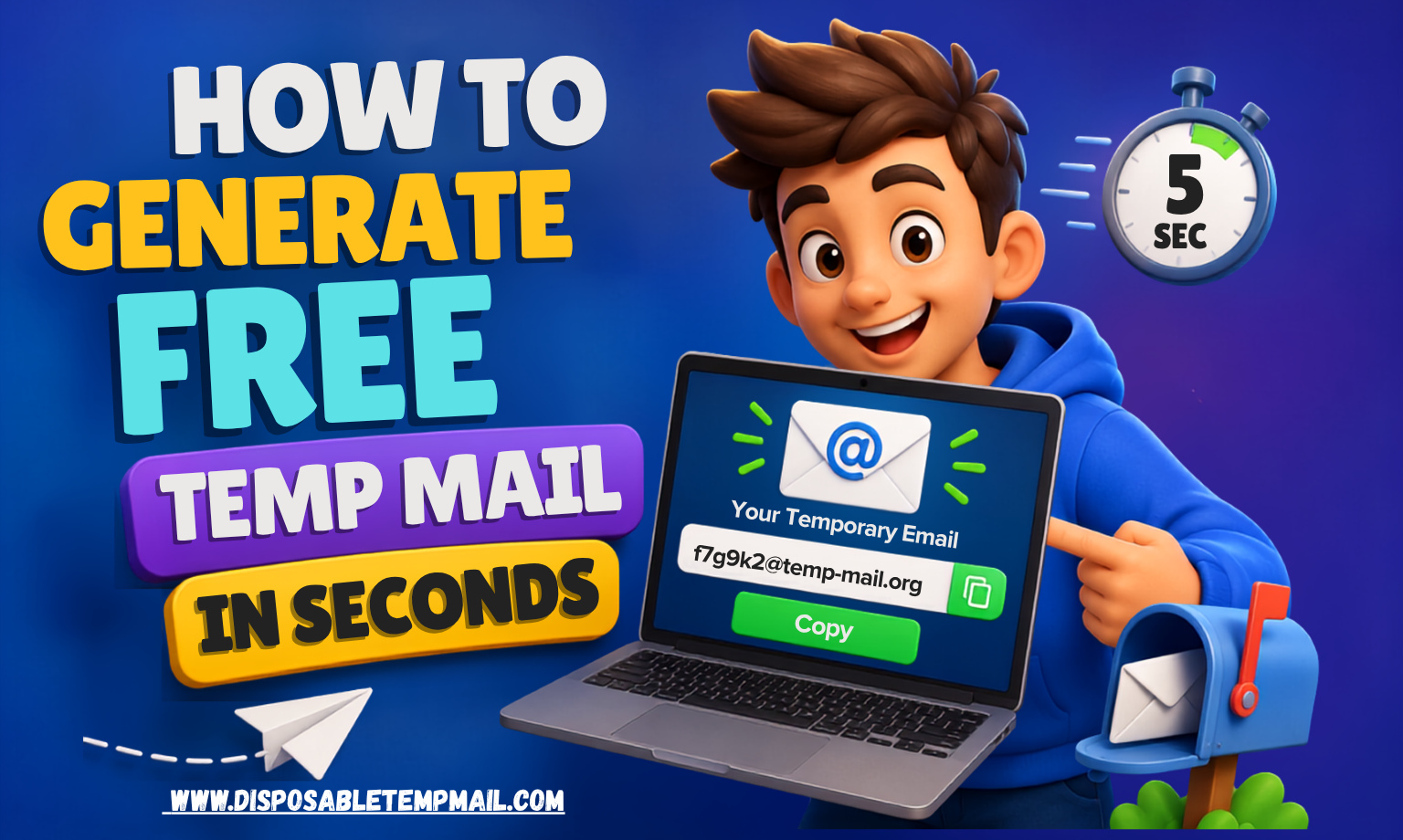
How to Generate Free Temp Mail in Seconds (No Registration Required)
⚡ Instant 🛡️ 100% Anonymous 🚫 Zero Spam 🔒 Encrypted ⏱️ Auto-Delete
You know the drill. You need to download one PDF, grab one discount code, or check out one app — and the price of admission is your real email address. Thirty seconds later, you've unknowingly signed up for a newsletter you'll never read, and six months from now that same address might show up in a data breach dump you never saw coming.
The good news? You don't have to keep paying that tax. A free temp mail generator lets you create a fully working inbox in the time it takes to read this sentence — no sign-up form, no password, no phone number, and absolutely no strings attached. In this guide, we'll break down exactly how instant disposable email works, walk through generating your own anonymous inbox free of charge, and show you the real-world situations where it saves your sanity (and your primary inbox).
💡 Pro Tip: If you're only using temp mail to dodge one-time spam, the free plan is all you need. Power users running QA tests or bulk sign-ups should look at the premium API access further down this guide.
What Is a Free Temp Mail Generator & How Does It Work?
A free temp mail generator is a web tool that instantly creates a working, disposable email address — no account creation required. It exists purely to receive messages: verification codes, confirmation links, promotional emails, or anything else a website insists on sending before it'll let you in.
Here's the mechanism behind the magic. The moment you land on the page, the server assigns you a randomly generated mailbox tied to a shared or custom domain. That address is live immediately and can receive real emails from any sender, just like a normal inbox — the difference is that nothing about it is linked to your identity, and everything inside it is temporary by design. Messages typically self-destruct within 4 to 48 hours, and the mailbox ID itself stays reachable for roughly 3 to 6 months before it's recycled back into the pool.
No CAPTCHA. No "verify your phone number." No email confirmation loop where you need an email to confirm your email. It's the closest thing to a digital burner phone that exists for your inbox.
Step-by-Step Guide: Generate Free Temp Mail in 3 Simple Steps
1
Open & Auto-Generate
Land on the temp mail homepage and a random anonymous inbox is created for you automatically — zero clicks, zero forms. Prefer a specific username? Switch over to a custom temporary email instead.
2
Copy & Paste Anywhere
Drop that address into any sign-up form, download gate, Wi-Fi portal, or app registration screen. It behaves exactly like a real email because, technically, it is one.
3
Receive & Walk Away
Verification codes and confirmation links land in real time inside your browser inbox. Grab what you need, then let it auto-delete — no cleanup required.
⏱️
Example: Auto-Delete Countdown (Demo)
48:00:00
Temporary Email vs. Traditional Primary Email
Still on the fence about whether an anonymous inbox free of registration is actually worth using alongside your regular email? Here's the side-by-side breakdown:
⚡ Temporary Email
- Setup time: Instant, zero fields to fill
- Personal data required: None
- Spam accumulation: Impossible — it self-deletes
- Breach exposure risk: Effectively zero
- Best for: One-time sign-ups, trials, testing
📥 Primary Email
- Setup time: Account creation + verification
- Personal data required: Name, phone, recovery info
- Spam accumulation: Builds up indefinitely
- Breach exposure risk: Grows with every sign-up
- Best for: Banking, work, long-term contacts
Top 7 Real-World Use Cases for Instant Disposable Email
1. Free Trials & Freemium Tools
Claim every "14-day free trial" without handing your real address to a billing reminder machine.
Claim every "14-day free trial" without handing your real address to a billing reminder machine.
2. OTP & SMS-Style Verifications
Many platforms still gate signup behind an email OTP — receive it instantly without exposing your personal inbox.
Many platforms still gate signup behind an email OTP — receive it instantly without exposing your personal inbox.
3. Downloadable Resources
Ebooks, whitepapers, and templates gated behind "enter your email" forms? Done in seconds, spam-free.
Ebooks, whitepapers, and templates gated behind "enter your email" forms? Done in seconds, spam-free.
4. Public Wi-Fi Portals
Airport and café Wi-Fi login pages that demand an email address get a disposable one, not your real one.
Airport and café Wi-Fi login pages that demand an email address get a disposable one, not your real one.
5. App & Software QA Testing
Developers can spin up fresh inboxes on demand to test registration flows and email triggers repeatedly.
Developers can spin up fresh inboxes on demand to test registration flows and email triggers repeatedly.
6. Forum & Comment Sign-Ups
Post anonymously on forums or one-off communities without linking activity to your identity.
Post anonymously on forums or one-off communities without linking activity to your identity.
7. Contest & Giveaway Entries
Enter promotions and sweepstakes without landing on ten new marketing lists overnight.
Enter promotions and sweepstakes without landing on ten new marketing lists overnight.
Security & Privacy Analysis
"Free" and "secure" don't always go together — but with a well-built temp mail service, they should. Here's what actually protects you under the hood:
🔒 Encrypted in Transit: Messages routed to your temporary inbox travel over encrypted connections, the same standard used by mainstream email providers, so nothing is intercepted in plain text on the way in.
⏱️ Automatic Data Retention Limits: Unlike a permanent inbox that stores messages indefinitely, temp mail enforces a hard expiration — typically 4 to 48 hours for messages, and 3 to 6 months for the mailbox ID itself — so there's no long-term archive sitting on a server waiting to be breached.
🛡️ Zero Personal Data Collection: No name, phone number, or payment detail is required to generate an inbox, which means there's nothing identifiable to leak in the first place.
It's worth being upfront about the trade-off: temp mail is built for short-term receiving, not long-term account ownership. Never use it for banking, healthcare portals, or any account you'll need to recover later — those still belong on your permanent, secured email address.
Frequently Asked Questions
Is a free temp mail generator really free forever?
Yes — generating unlimited random or custom addresses costs nothing and always will. The free plan covers unlimited inboxes with standard auto-delete windows. Bulk generation, a multi-inbox dashboard, and API access are reserved for the premium plan, but casual use never requires payment.
How does no-registration temporary mail work without a login?
The server assigns you a mailbox the instant you load the page — there's no account layer to log into. Your browser session is effectively your "key" to that inbox, which is why no password or email confirmation is ever needed.
Can I use free temp mail to bypass email verification on any website?
Temp mail lets you receive legitimate verification emails and OTP codes at a disposable address instead of your personal one — it doesn't circumvent security, it just changes which inbox receives the message. Always follow the terms of service of the site you're signing up for.
Is my anonymous inbox actually private and encrypted?
Yes. No personal information is collected to create the inbox, messages are transmitted over encrypted connections, and everything is automatically wiped on a strict schedule — leaving no long-term data trail tied to you.
How long do temp mail messages last before they're deleted?
Received messages are auto-deleted between 4 and 48 hours after arrival, while the mailbox ID itself typically stays active for 3 to 6 months before being recycled. Check the full FAQ page for platform-specific details.
Can I upgrade my free temp mail account later?
Absolutely. You can start on the free plan and move to a premium membership plan anytime you need bulk inbox generation, a central dashboard, manual cleanup controls, custom domains, or API access.