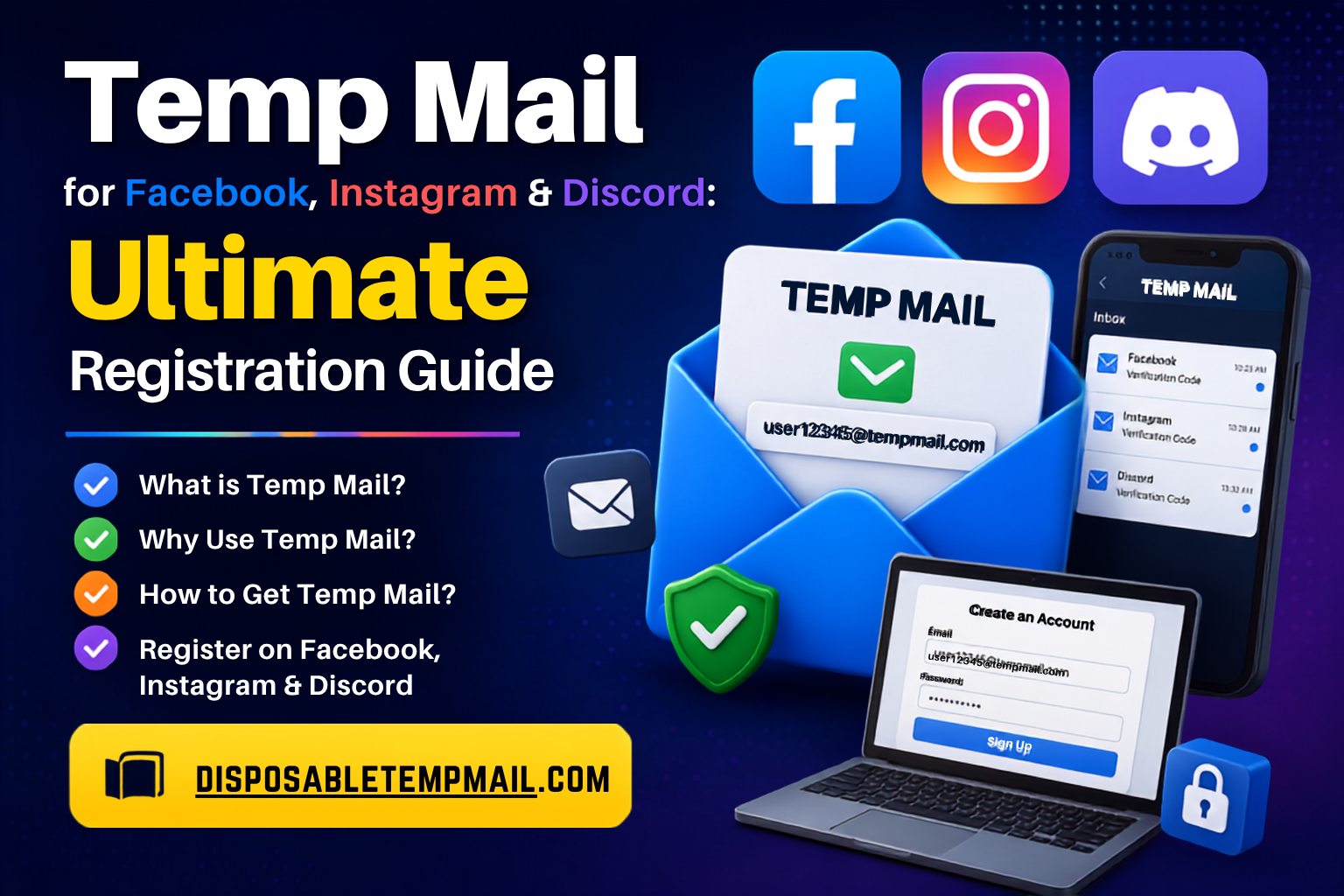
Temp Mail for Facebook, Instagram & Discord: Ultimate Registration Guide
📘 Facebook 📸 Instagram 🎮 Discord ⚡ Instant OTP
Registering on a new platform always starts the same way: type in your email, wait for a code, confirm, repeat. Do that enough times and your primary inbox turns into a landfill of notification settings you never asked for. This guide walks through exactly how to register on Facebook, Instagram, and Discord using disposable temp mail instead — so the only thing these platforms get from you is what they actually need to verify you're real.
Whether you're a gamer spinning up a Discord alt, a developer testing signup flows, or just someone who'd rather keep their real inbox spam-free, this walkthrough covers the full registration process, what to expect from each platform, and the honest trade-offs involved.
📜 Platform Guidelines: Facebook allows one personal account per person under its current policy — use temp mail there for Pages, business testing, or secondary purposes rather than duplicating a personal profile. Instagram officially supports multiple accounts through its in-app switcher. Discord places no limit on how many accounts you create.
Why Use Anonymous Temp Mail to Register Social Accounts?
Anonymous temp mail keeps your real email out of platforms you're only testing, using occasionally, or managing as a secondary account. Instead of your personal address collecting notification emails from five different apps, a disposable inbox absorbs the registration step and disappears once it's done its job.
- 🛡️ Zero exposure if the platform is breached — your real email was never in their system to begin with.
- 🎮 Built for gaming alts — spin up Discord accounts for different servers or bot testing without cluttering your main inbox.
- 📸 Supports Instagram's multi-account model — register a business or hobby profile alongside your personal one.
- 🧑💻 Ideal for developers validating OAuth or social login flows repeatedly during testing.
Step-by-Step: Setting Up a Custom Temp Mail for Social Registration
1
Generate a Custom Address
Head to Disposable Temp Mail and choose a custom username so you can log back in if the platform ever needs re-verification.
2
Start the Platform Sign-Up
Open Facebook, Instagram, or Discord's registration form and enter your temp mail address exactly as you would a personal one.
3
Watch for the OTP
Switch back to your temp inbox — the verification code or confirmation link typically appears within seconds to a couple of minutes.
4
Complete Verification
Copy the code into the platform's field, finish account setup, then add a backup recovery method inside that platform's settings.
💡 Pro Tip: Set a password on your custom temp mail if you plan to reuse the same address for multiple platforms — it keeps the inbox locked to you even if someone else guesses the username.
Platform Comparison: Verification, Speed & Security
Here's how the three platforms stack up when it comes to temp mail acceptance, typical OTP timing, and the privacy benefit you get in return:
| Platform | Temp Mail Acceptance | Typical OTP Delivery | Auto-Delete Fit (4–48h) | Security Benefit |
|---|---|---|---|---|
| Medium | 1–3 minutes | Comfortable fit | Keeps personal email out of Facebook's ad and data ecosystem | |
| High | Under 1 minute | Comfortable fit | Isolates secondary/business profiles from your main identity | |
| 🎮 Discord | High | Under 1 minute | Comfortable fit | Prevents alt accounts and test servers from tracing back to you |
Note: Acceptance levels are general observations, not fixed guarantees — platforms adjust verification systems over time, so results can vary by account, device, and region.
Common Concerns, Answered
⏱️ OTP Delivery Delays
If a code doesn't appear within a few minutes, request a resend — occasional delays come from the sending platform, not the temp mail inbox itself.
🔗 Expired Verification Links
Confirmation links are usually time-limited by the platform. If yours expires, simply restart the verification step and generate a new one.
🔐 Long-Term Account Safety
Temp mail handles the sign-up moment perfectly. Add a phone number or permanent recovery email inside the platform right after, for anything you'll keep using.
⚠️ Privacy Warning: Temp mail messages auto-delete within 4 to 48 hours, and mail IDs recycle after 3 to 6 months. If you lose access before adding a backup recovery method, you may not be able to reset your password later. Handle this step early.
Free vs. Premium: What Fits Your Registration Needs?
Registering one or two accounts? The free plan already covers unlimited random and custom email generation, with mail IDs valid for 3 to 6 months and automatic inbox deletion between 4 and 48 hours — no cost, no catch.
Managing bulk registrations, running social media accounts for a team, or automating account creation for testing? Disposable Temp Mail's premium plan adds bulk multi-email generation, full inbox control from a single dashboard, manual or custom cleanup schedules, custom domain integration, and complete API access.
Frequently Asked Questions
Can I register a Facebook account using disposable temp mail?
Yes, Facebook accepts temp mail addresses for email verification. Just remember Facebook's policy limits personal profiles to one per person, so use it for Pages, business, or testing purposes.
How fast does Instagram send the verification OTP to temp mail?
Instagram's verification emails typically land in a temp mail inbox within under a minute, since delivery works the same way as it would to any standard email address.
Does Discord restrict how many accounts I can register with temp mail?
No, Discord doesn't limit the number of accounts you can create, making it one of the most flexible platforms for temp mail-based registration.
What should I do if my verification email never arrives?
Double-check the address was entered correctly, then request the platform resend the code. If your temp inbox has expired, generate a fresh one and restart the verification step.
Is it safe to use the same temp mail for multiple social accounts?
Yes, especially with a custom, password-protected temp mail address, which lets you reuse the same inbox safely across several platforms without exposing your identity.
What happens to my social account if the temp mail ID expires?
You'll lose the ability to receive future emails at that address, including password resets. Add a phone number or permanent backup email inside your account settings soon after registering to avoid this.