Anonymous Temporary Email: The Complete Guide to Private, Spam-Free Inboxes
📬 No Signup 🔒 Anonymous ⏱️ Auto-Delete ⚙️ Developer API
Think about how many websites currently have your real email address on file. The random app you tried once. The coupon site you visited for a single discount code. The forum you signed up for to ask one question three years ago. Each one is a small, quiet liability sitting somewhere out there, waiting for the next data breach headline to include your name.
An anonymous temporary email sidesteps that problem entirely. It gives you a working inbox for the moment you actually need one, then gets out of your life before it can cause any damage. This guide covers exactly how that works, what to look for in a good service, and how to put one to use on Disposable Temp Mail.
🎯 Key Takeaway
An anonymous temporary email lets you receive messages without registering an account or handing over personal details — and unlike your real inbox, it's built to disappear once it's done its job.
What is an Anonymous Temporary Email & How It Works
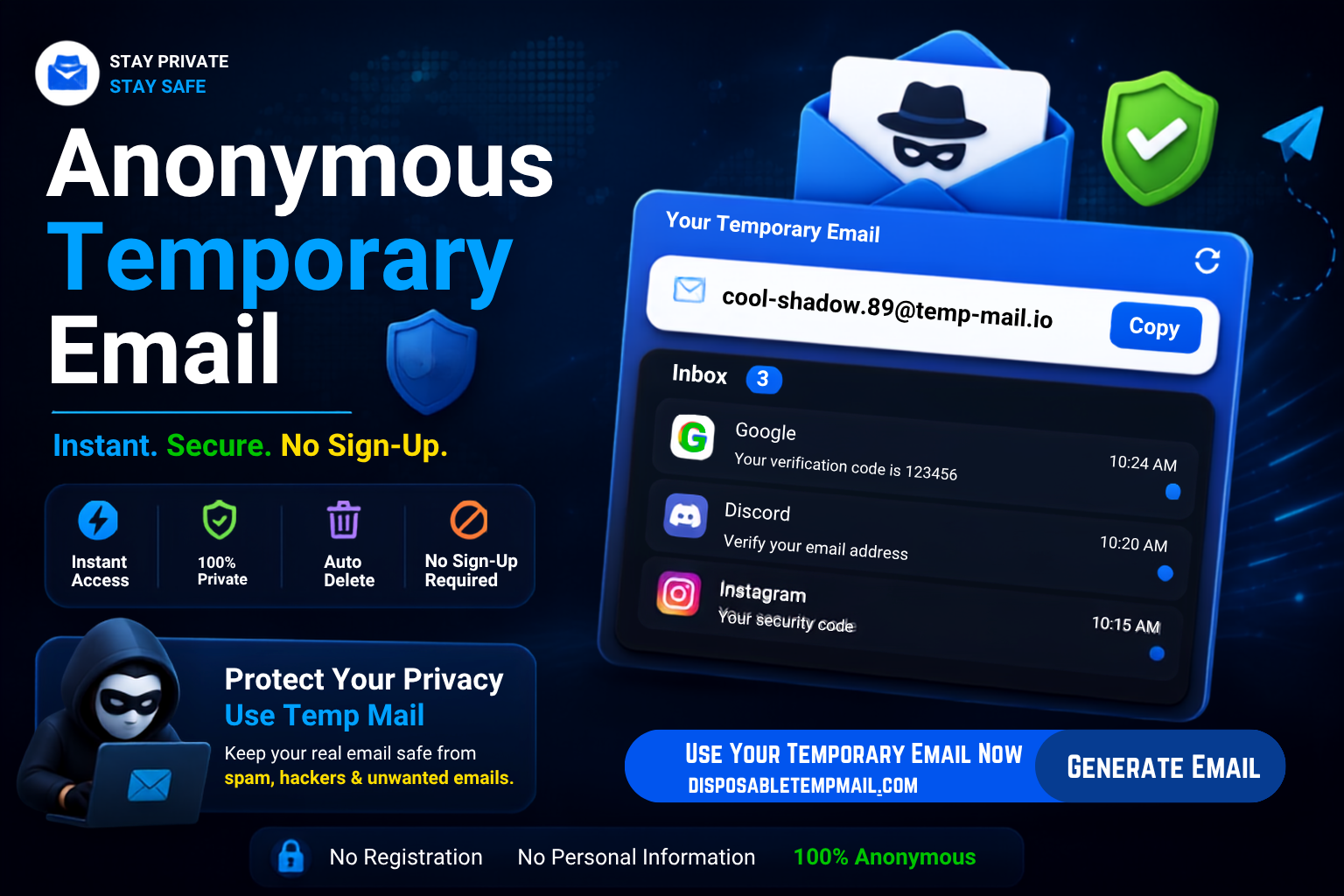
An anonymous temporary email is a working inbox that's created instantly, requires no personal information, and exists only long enough to receive whatever message you're waiting for. No name, no phone number, no password recovery questions — just an address you can hand out freely because it doesn't lead back to you.
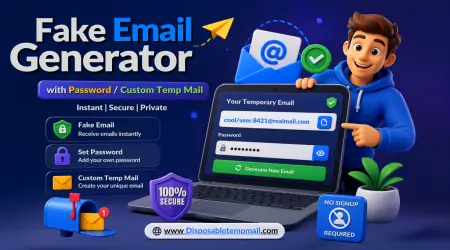
Most services, including Disposable Temp Mail, give you two ways to get one. A random address is generated the moment you land on the page, ready to go with zero input from you. Or you can create a custom temp mail with a username you choose, which is handy if you want something memorable enough to reuse across a few sign-ups.
The retention policy is what makes the whole thing work. Messages that land in your inbox get auto-deleted somewhere between 4 and 48 hours after arrival, so nothing sits around collecting dust. The mailbox address itself stays reachable for 3 to 6 months, which gives you enough runway to log back in if a platform sends a follow-up email, without turning into a permanent fixture tied to your identity.
Key Features of Disposable Temp Mail
Not everyone needs the same thing from a temp mail service. Here's how the free and premium tiers break down:
Free Features
- 📮 Unlimited email generation — both random and custom addresses, no cap on how many you create
- 📅 3–6 month address validity — enough time to handle delayed replies or follow-up verification
- 🗑️ Automatic message deletion — every received email clears itself within 4 to 48 hours
Premium Features
- ⚡ Multi-email generation — spin up several inboxes at once instead of one at a time
- 🗂️ Full inbox control — manage every address you've created from a single dashboard
- 🧹 Manual cleanup options — clear an inbox on your own schedule instead of waiting for auto-delete
- 🌐 Custom domain support — route addresses through your own domain instead of a shared one
- 🔌 Full API access — generate and manage inboxes programmatically
💡 Worth knowing: If you're only dodging the occasional spam signup, the free plan already does everything you need. Premium starts to pay off once you're managing several addresses at once or building automation around a temp mail API.
Free vs. Premium vs. Traditional Email: How They Compare
| Feature | Free Disposable Email | Premium Disposable Email | Traditional Permanent Email |
|---|---|---|---|
| Setup required | None | None | Account creation + verification |
| Personal data needed | None | Payment info for billing only | Name, phone, recovery details |
| Multiple inboxes at once | One at a time | Bulk generation | Requires separate accounts |
| Message retention | 4–48 hours | Manual + auto control | Indefinite |
| Custom domain | Not available | Fully supported | Requires separate hosting setup |
| API access | Not available | Full access | Not applicable |
| Spam accumulation | None — self-deletes | None — self-deletes | Builds up indefinitely |
When You Actually Need a Temporary Email
🚩 Untrusted or One-Time Sites
Sign up for a site you're not sure you'll trust with your data long-term, without committing your real address to it.
Sign up for a site you're not sure you'll trust with your data long-term, without committing your real address to it.
📢 Avoiding Marketing Spam
Claim a discount code or free download without ending up on a newsletter list you never asked to join.
Claim a discount code or free download without ending up on a newsletter list you never asked to join.
🧪 Testing Software & APIs
Developers can generate fresh inboxes on demand to test registration flows, email triggers, or notification systems.
Developers can generate fresh inboxes on demand to test registration flows, email triggers, or notification systems.
🔓 Accessing Gated Content
Unlock an ebook, whitepaper, or tool that's hidden behind an "enter your email" wall, without the follow-up drip campaign.
Unlock an ebook, whitepaper, or tool that's hidden behind an "enter your email" wall, without the follow-up drip campaign.
Step-by-Step: Generating and Managing Your Temp Email
1
Open the Homepage
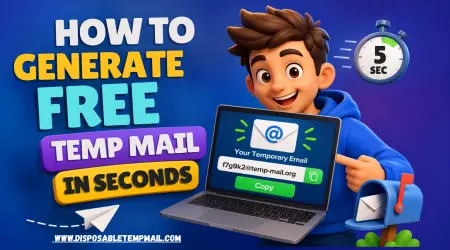
Visit Disposable Temp Mail and a random address is generated automatically — no clicks needed.
2
Customize If Needed
Want something memorable? Switch over and create a custom temp mail with your own username instead.
3
Use It Wherever Required
Paste the address into any sign-up form, download gate, or verification field that's asking for an email.
4
Check, Then Let Go
Messages arrive live in your browser. Grab what you need — the inbox handles cleanup on its own from there.
Technical & Developer Benefits: Custom Domains and API Access
If you're building or testing software, manually copying verification codes out of a browser tab gets old fast. This is where the developer-focused side of an anonymous email generator earns its keep.
Custom Domain Integration
Instead of every test account sharing the same recognizable temp-mail domain — which some platforms flag or block outright — premium plans let you route addresses through a domain you own. Test traffic ends up looking indistinguishable from real sign-ups, which matters a lot for QA teams working around anti-abuse filters that specifically target known disposable domains.
API Access for Automation
With API access, you can generate inboxes, poll for new messages, and extract verification codes directly inside a test suite or CI pipeline. A simplified request might look something like this:
// Generate a new temporary inbox fetch('https://disposabletempmail.com/api/v1/inbox', { method: 'POST', headers: { 'Authorization': 'Bearer YOUR_API_KEY' } }) .then(res => res.json()) .then(inbox => console.log(inbox.address));
That single call replaces what would otherwise be a manual, repetitive part of any test cycle — handy for anyone automating account creation, load testing signup flows, or building bots that need disposable identities at scale.
Frequently Asked Questions
Is an anonymous temporary email really free to use?
Yes. Generating unlimited random or custom addresses on Disposable Temp Mail costs nothing. Premium is optional and only needed for bulk generation, custom domains, or API access.
How long do messages stay in a temp mail inbox?
Received messages are automatically deleted between 4 and 48 hours after arrival, while the mailbox address itself remains active for 3 to 6 months before being recycled.
Can I use the same temp email address more than once?
Yes, a custom temp mail address stays reachable for 3 to 6 months, so you can log back in and reuse it for follow-up emails or repeated sign-ups within that window.
Do I need to provide any personal information to sign up?
No. Generating an inbox requires no name, phone number, or account registration. Only upgrading to premium requires payment details for billing purposes.
Is temp mail suitable for developers building automated tests?
Yes. The premium plan's API access lets developers generate and manage inboxes programmatically, making it well-suited for automated signup testing, QA pipelines, and bot development.